Tel: 07976 260 989
G1 Media
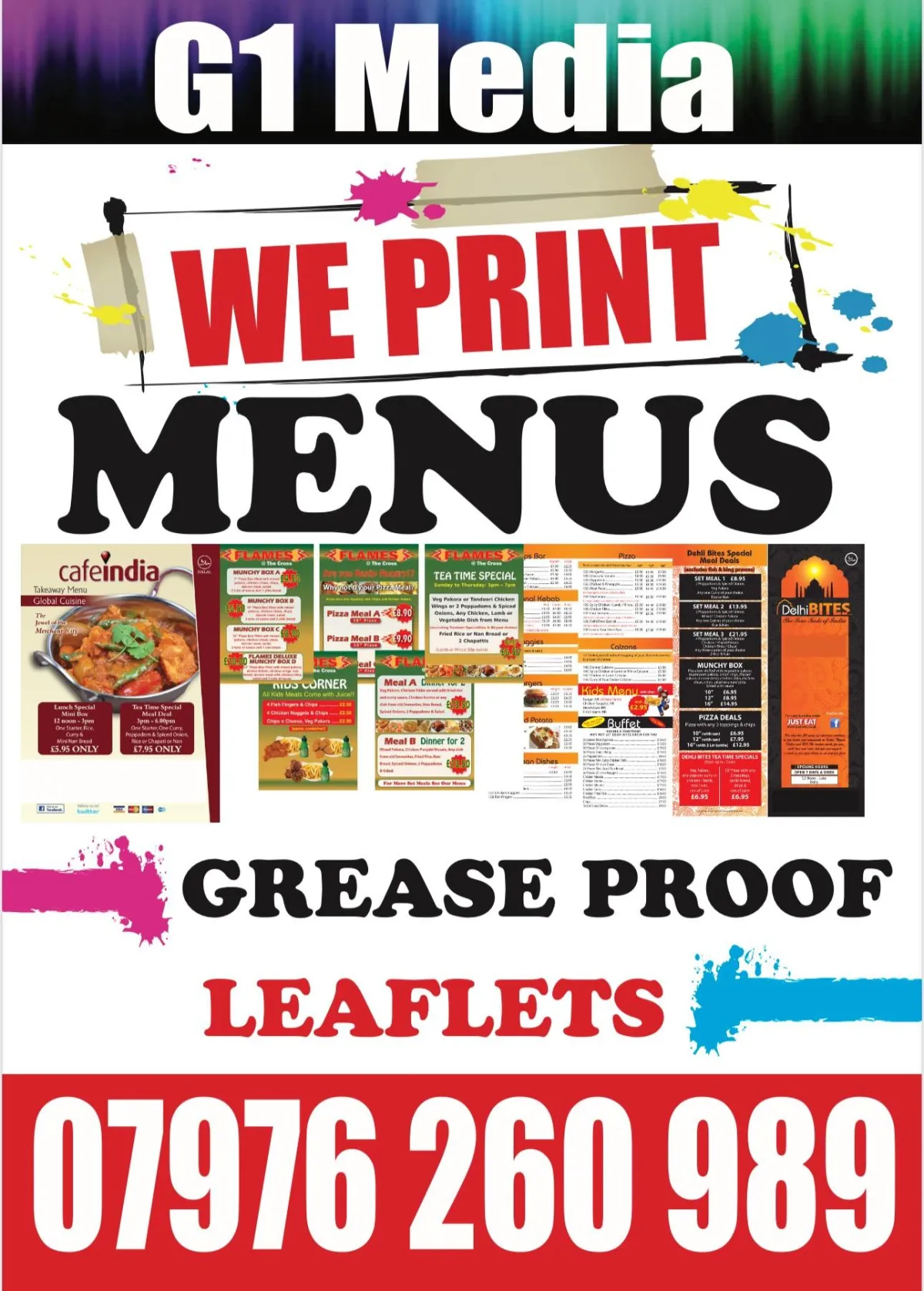
We Print Leaflets, Menus, Greaseproof Paper
Business Cards, Posters, Stationery
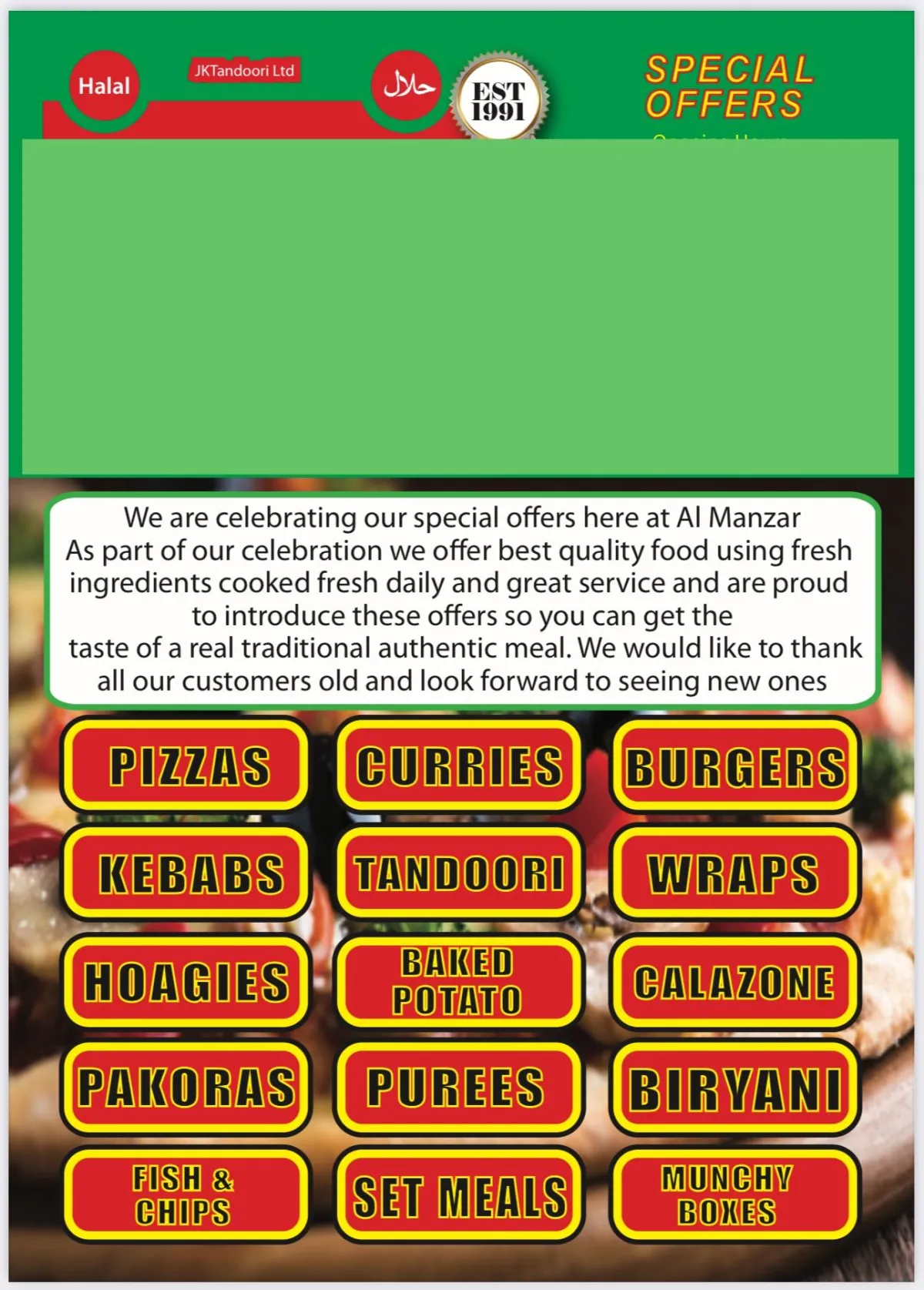
MENUS:
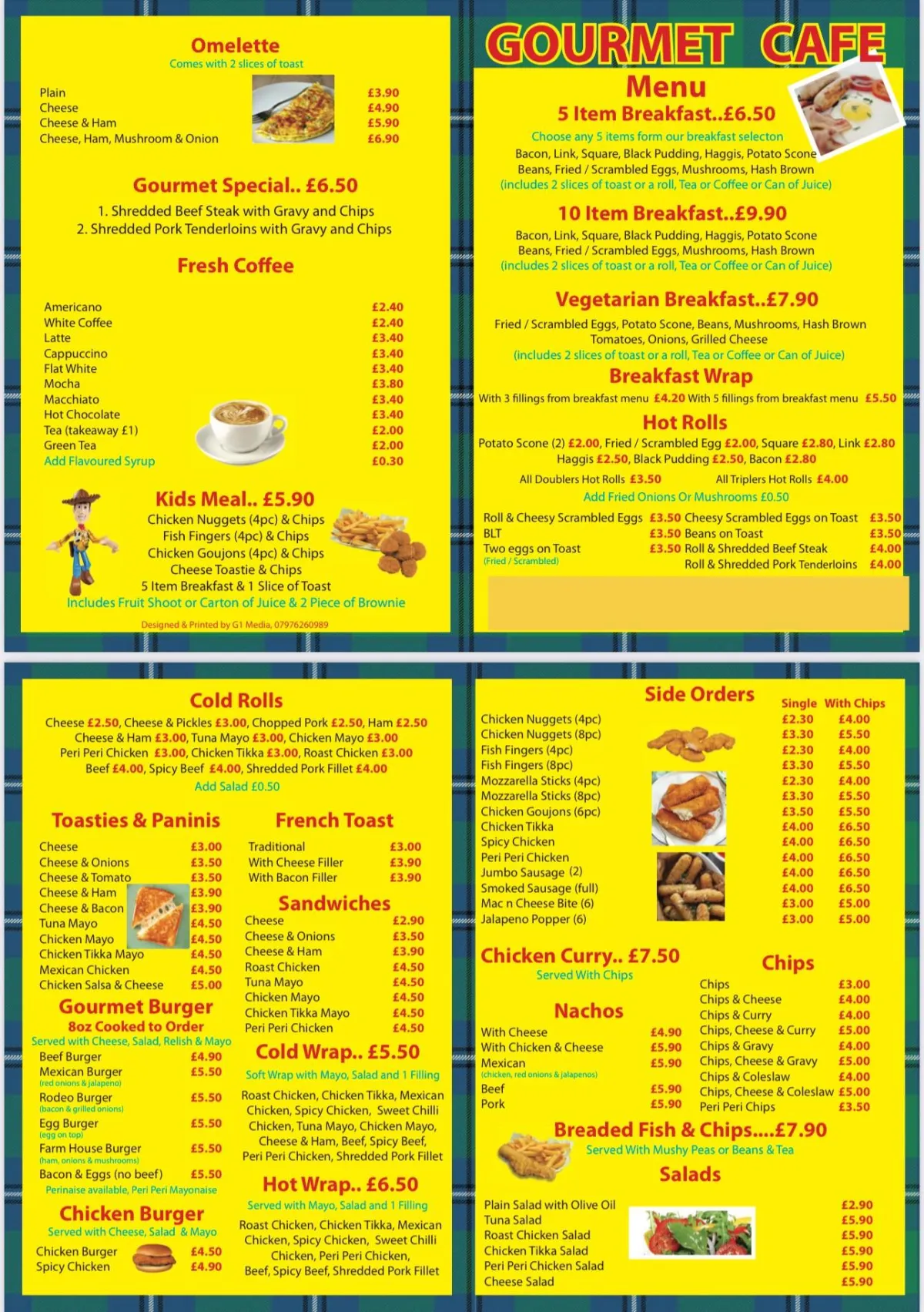
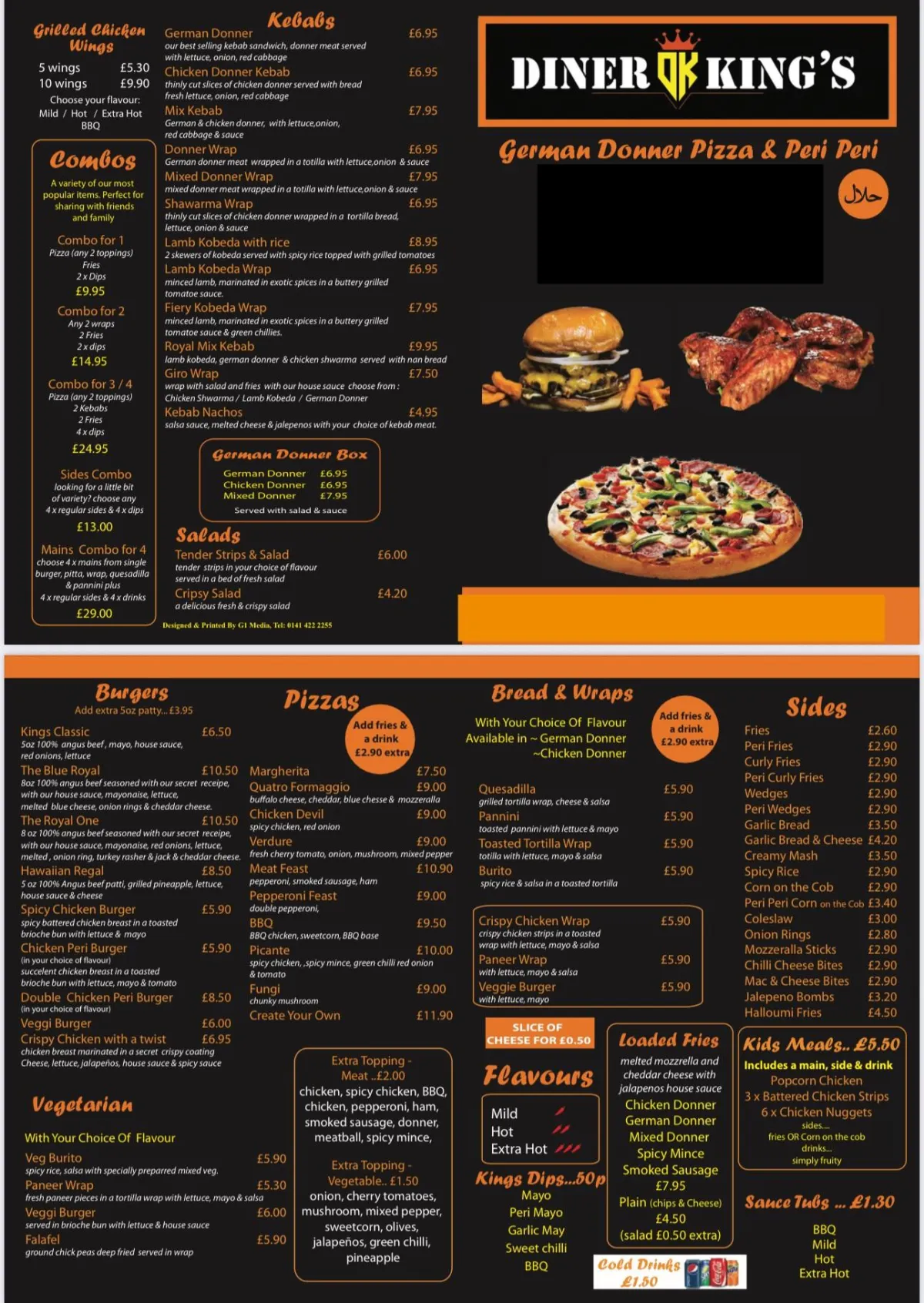
We are the go-to specialists for professional restaurant and takeaway menus, ensuring your offerings look as good on paper as they do on the plate.
We simplify the entire process by offering both free design services and reliable, fast delivery, making it incredibly easy for you to get the perfect menu
Need A Quote? [email protected]
GREASEPROOF:
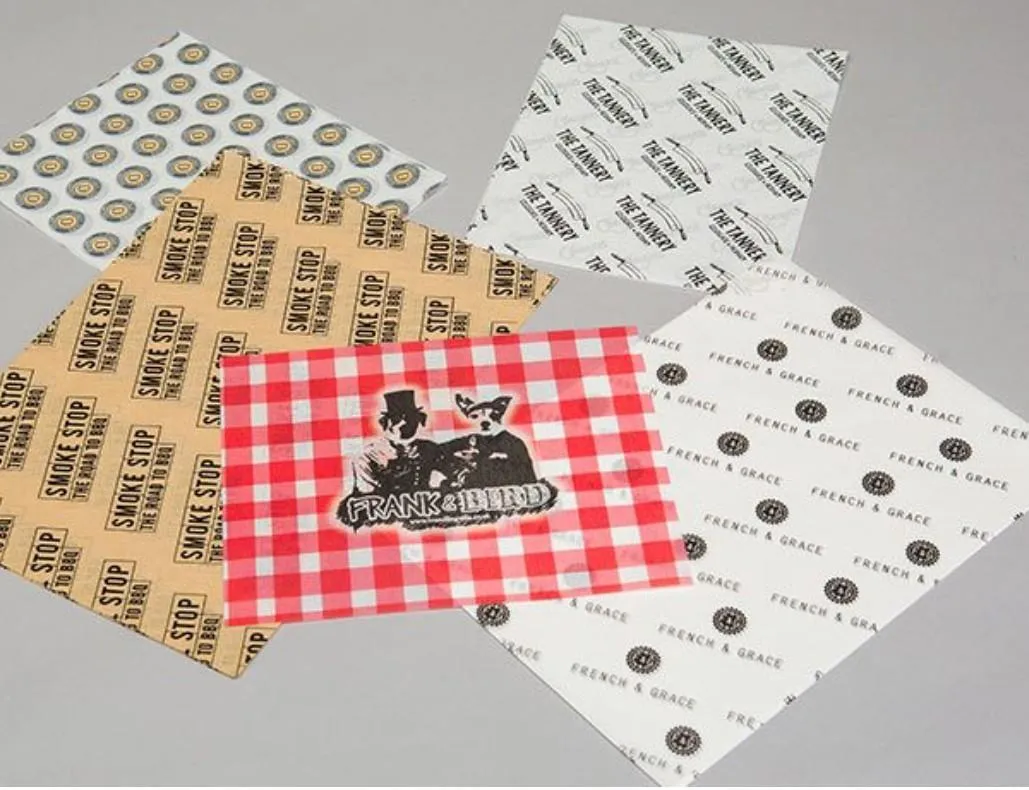
We offer premium, food-safe greaseproof paper printing that adds a professional touch to your culinary creations. Perfect for wrapping, lining, or presentation, we customise every sheet with your logo, branding, or design, turning simple packaging into a powerful, memorable marketing tool.
What We Do..
Printing Since 2010
Grease Proof Paper All Sizes With Your Logo
Posters Large Format Printing
Leaflets All Types Of Marketing Material And Sizes
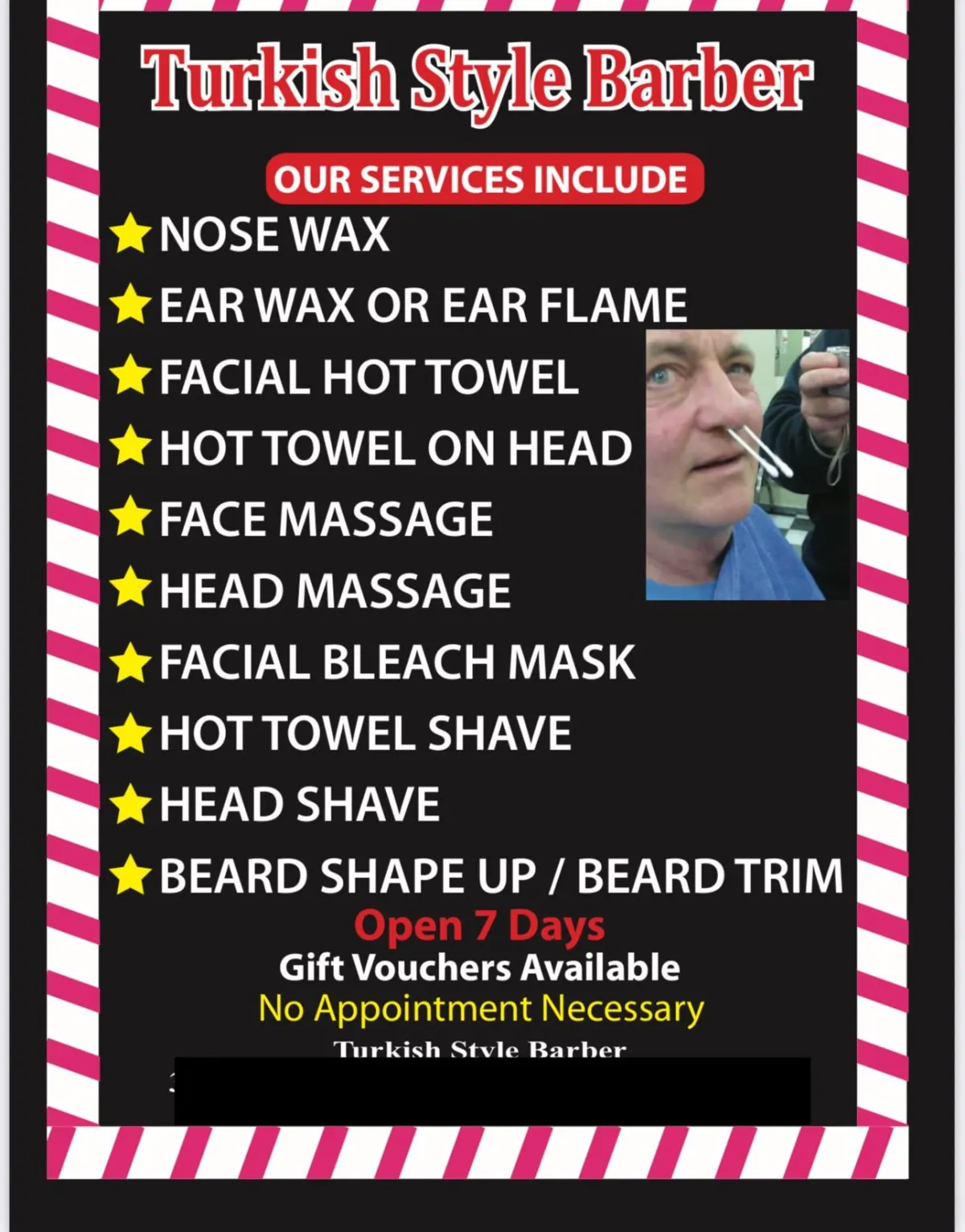
We are your single source for printing all essential business materials, specialising in high-quality menus, eye-catching posters, and effective promotional leaflets. We handle every paper printing job with professional care, ensuring superior results every time.
FREE Local Delivery
Need A Good Reliable Printer?
We Print Everything from Business Cards To Menus.
Any Size
Cut Costs

Save Money
Contact Us For Best Rates: 07976260989
Or Email us with details and someone will call you back.... [email protected]
FAQ
Do You Help With Design?
Yes and depending on the offer.. we can do this FREE for you.
What If I Have My Own Design?
That's no problem... as long as its print ready, we can usually print from that
Is Delivery Free?
It depends on what you have ordered and where its going.. Please Ask!
Do I Need To Pay A Deposit?
Yes we take a 50% deposit for all jobs before we design and the remaining 50% before we print.
Can I Make Changes To The Design?
Yes, if we have designed your work, but once you have signed off an order then we cannot make any changes.
Can I Make Changes To My Menu.. Like The Folds Or Size?
No unfortunately not, you need to decide the size and folds before we start work as menus are designed for that particular fold and size.
When Will I Get My Print?
Usually within 10 Working Days of signing off and paying the balance.